 PassPlayer
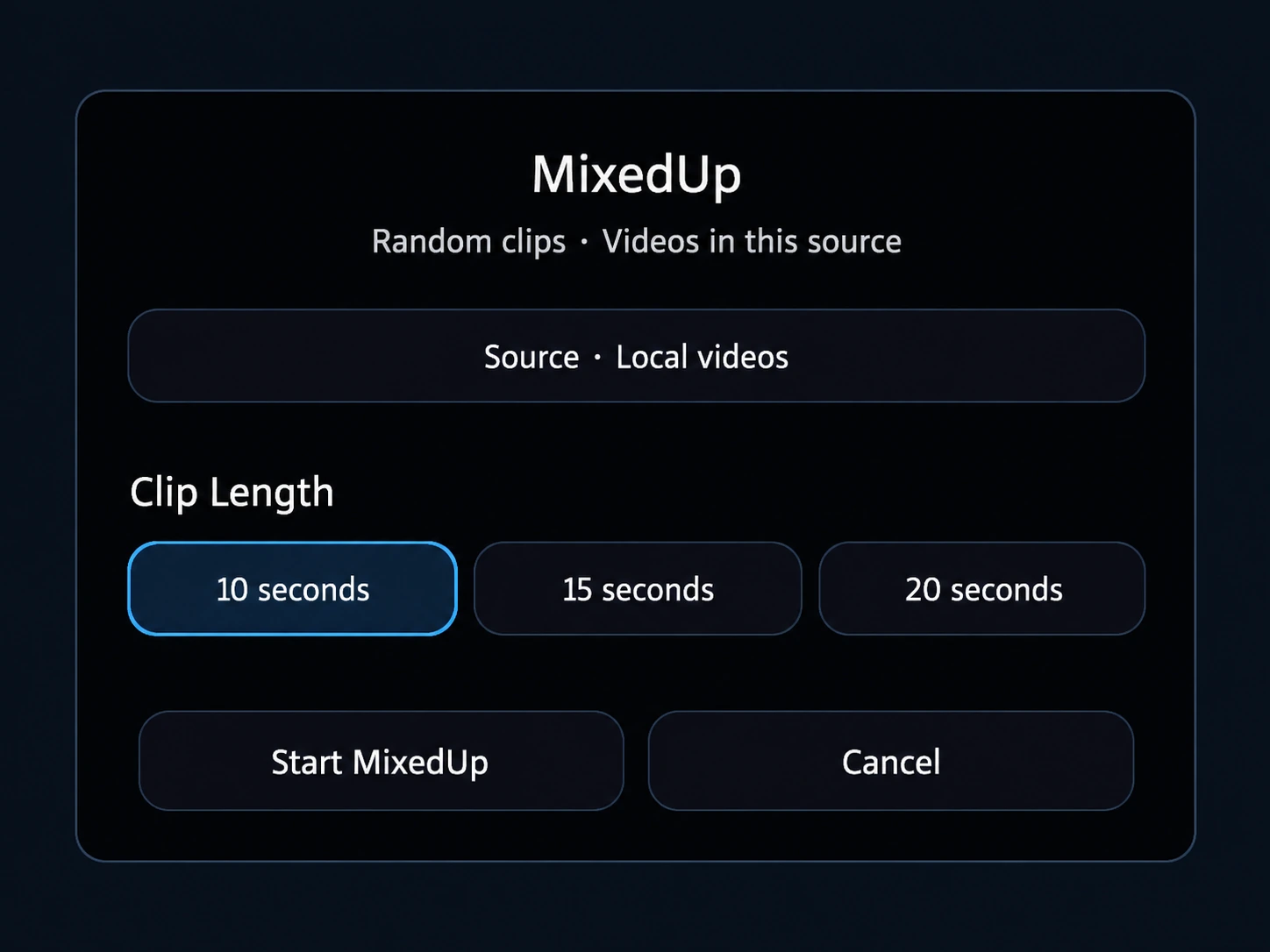
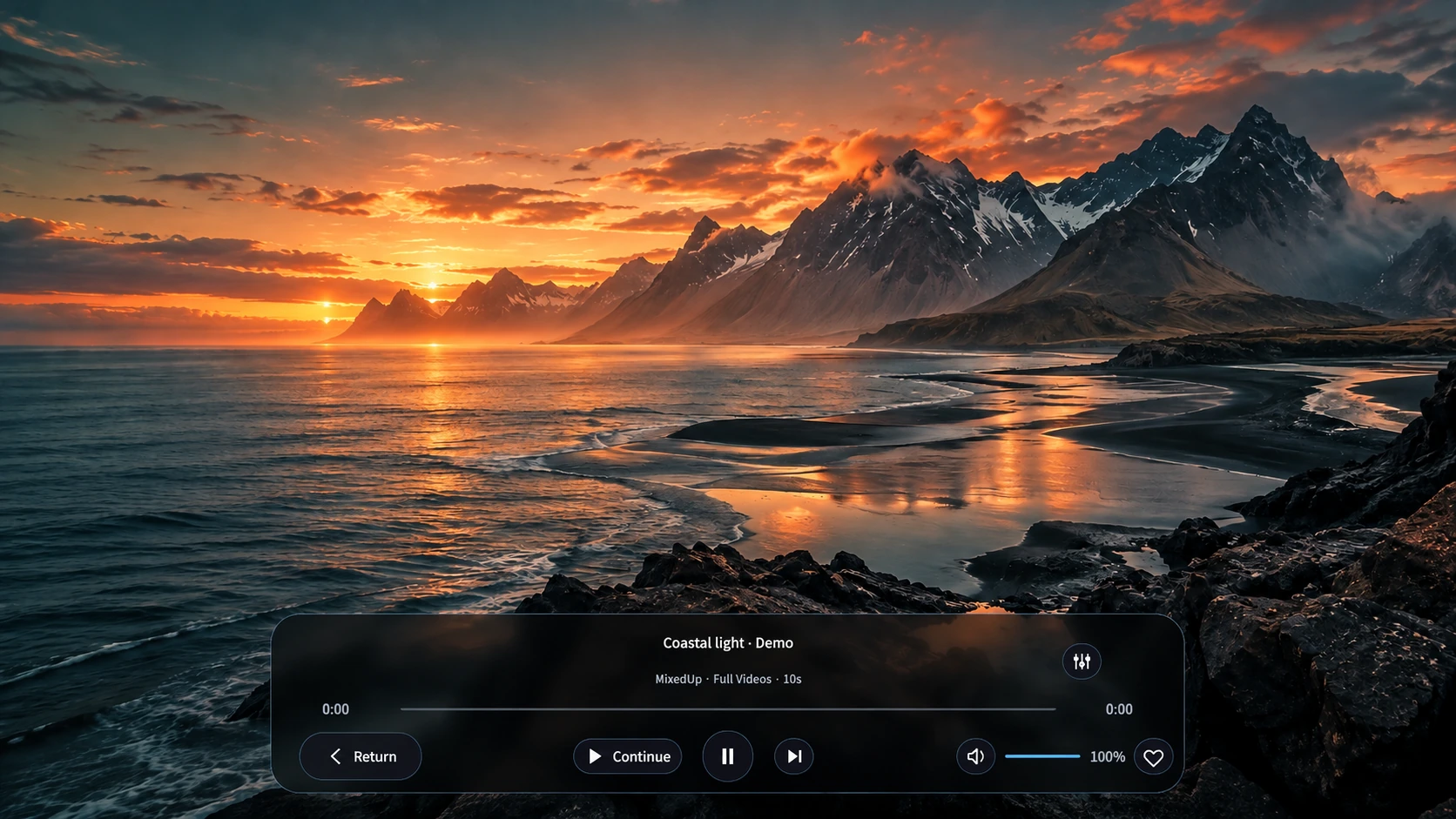
MixedUp clip shuffle
Choose 10, 15 or 20-second clips from local videos, a network folder or an available online collection. Tap Continue to keep watching the full video from that point.
PassPlayer
Play local files, NAS folders and online libraries. Includes MixedUp clip shuffle, AI subtitles, dual-fisheye playback and passthrough.
PICO overseas store · Meta Quest Beta
Choose 10, 15 or 20-second clips from local videos, a network folder or an available online collection. Tap Continue to keep watching the full video from that point.
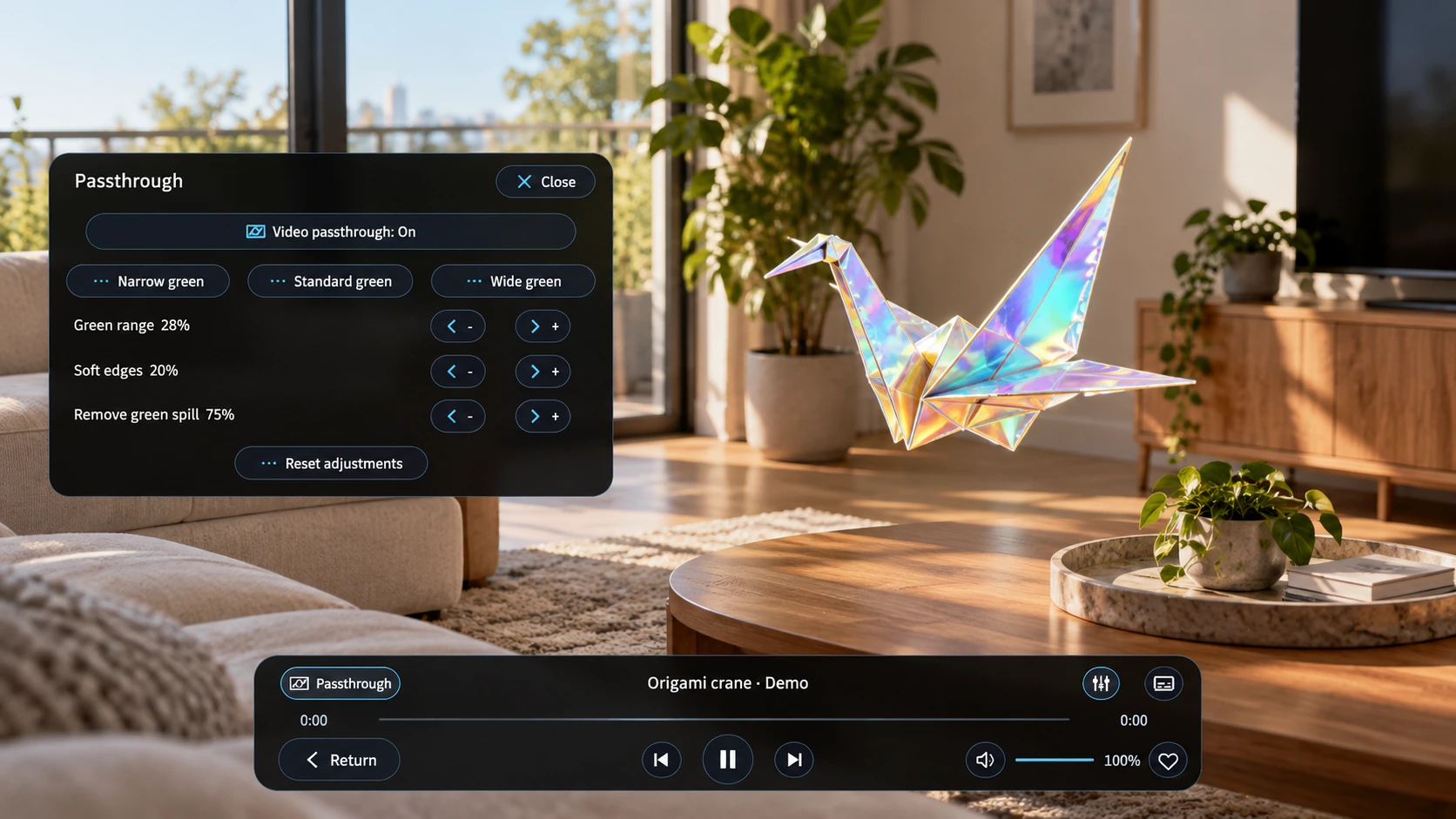
Keep your room visible while watching. Supported chroma-key videos can lose their green background, with controls for key range, edges and spill.
Recognize Japanese or English audio on your headset. Translate subtitles between Chinese, English, Japanese and Korean, or load SRT / WebVTT files.
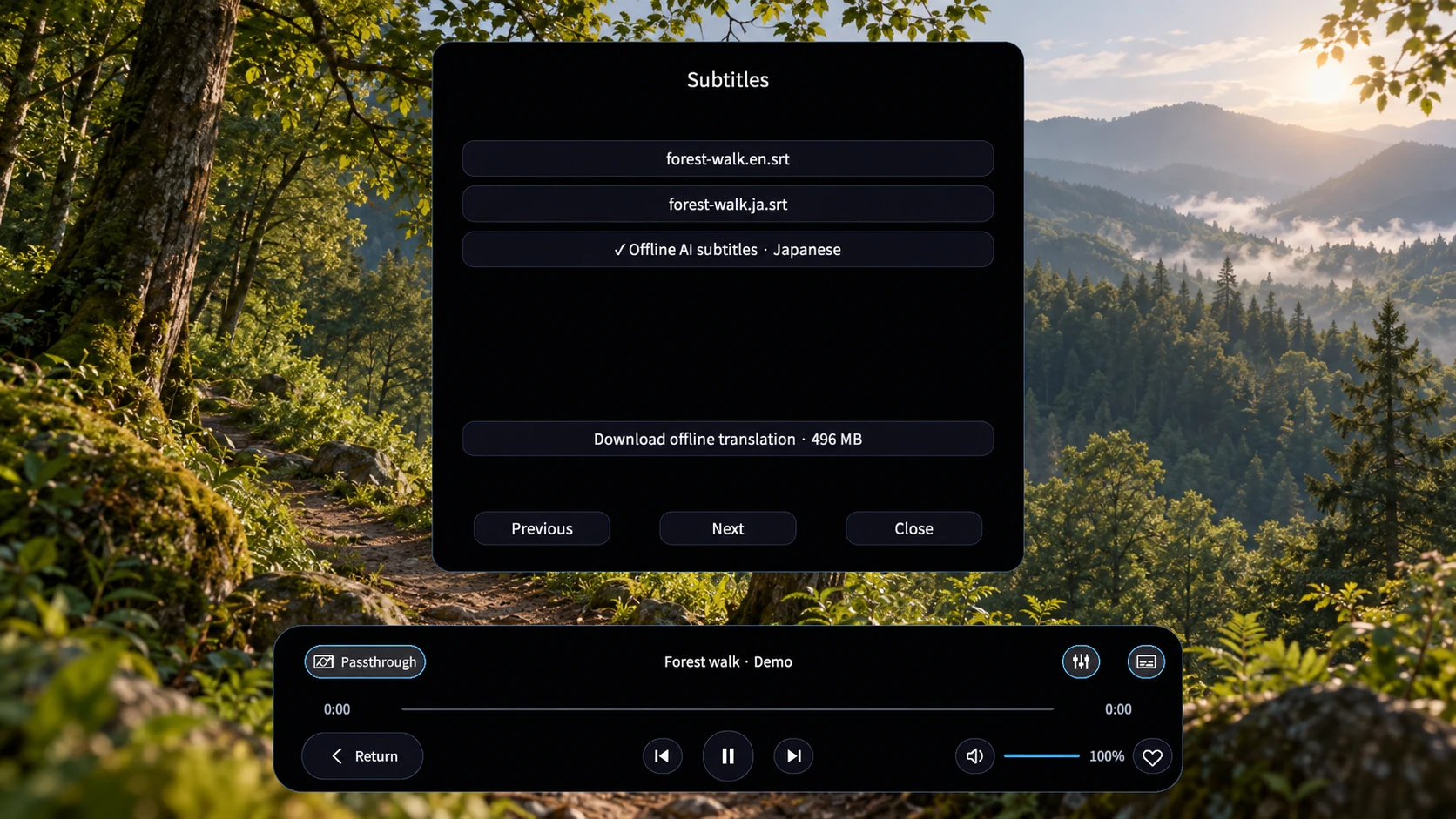
Interface demonstrations based on the APK. Demo scenery is generated; no video subscription is included.
Flat, panoramic and dual-fisheye video. Mono, side-by-side and top/bottom layouts.
Open compatible RF 5.2mm / EOS R5 C footage directly, without converting it first.
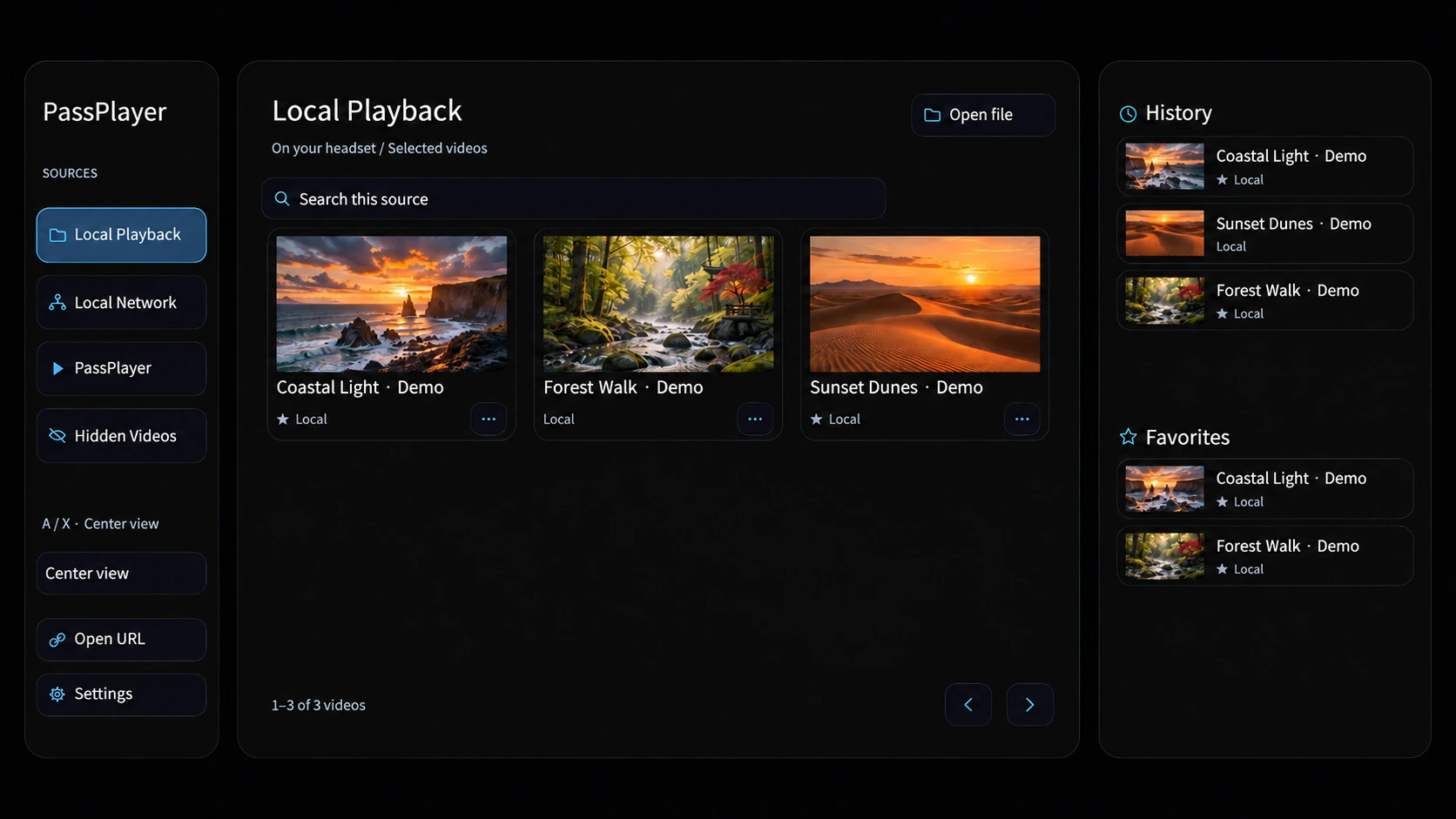
Play from your headset, SMB, WebDAV or a compatible HTTPS video URL.
Connect your streaming libraries with the access provided by each service.
Play authorized PPV streams with encrypted delivery and on-device decryption.
Save screen size and distance per video. Search, favorites and history are built in.
Codec, resolution and bitrate support depend on the headset and source. External libraries manage their own content access.
Sign in with your headset’s PICO account, select Get / Install, then open PassPlayer from your library.
Supported headsets and regions follow the store page.
Select Beta in the app’s version settings if needed, then update.